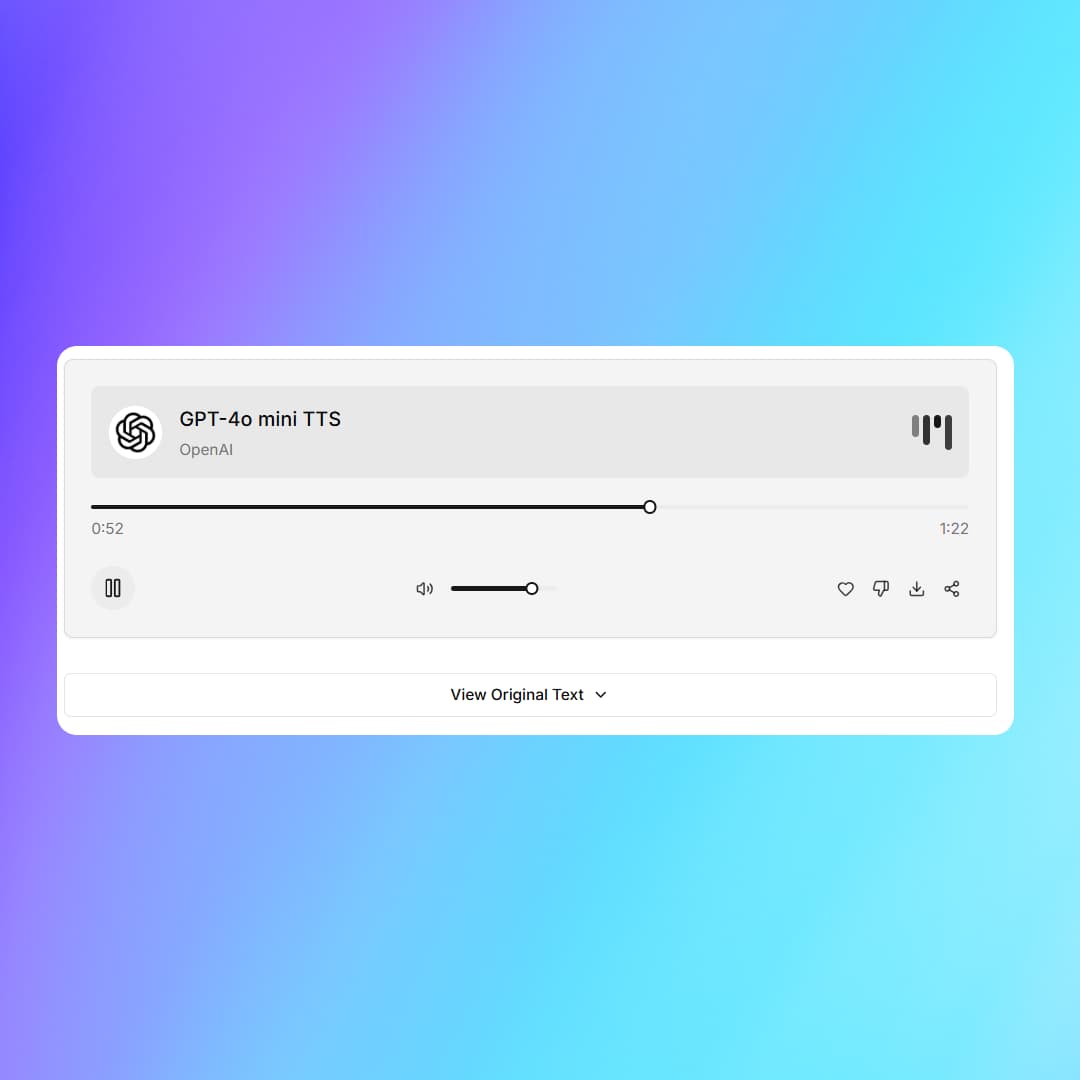
Turn text into
natural speech.
Convert your text to lifelike audio.
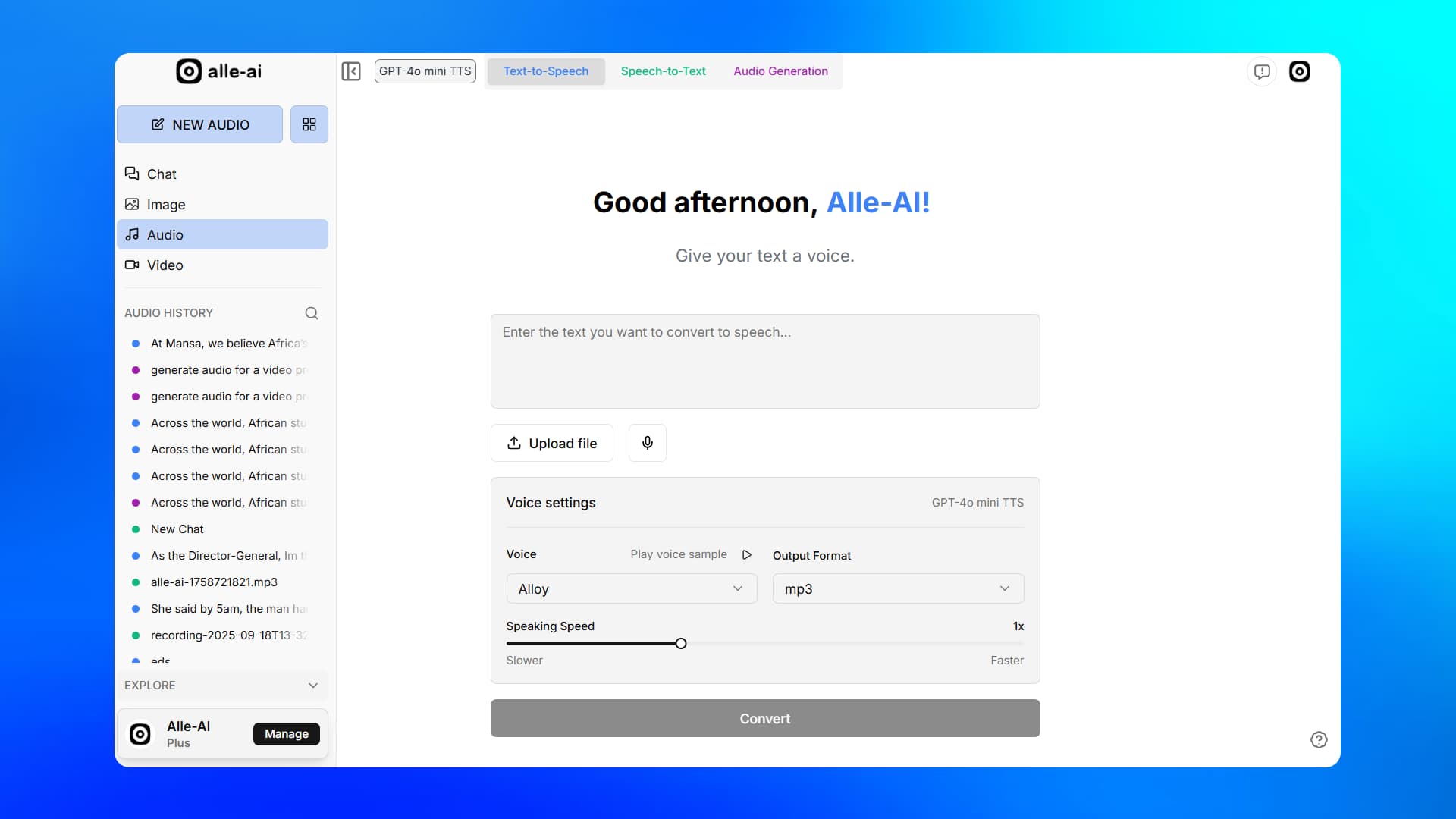
How it works
Convert text to speech in three simple steps.
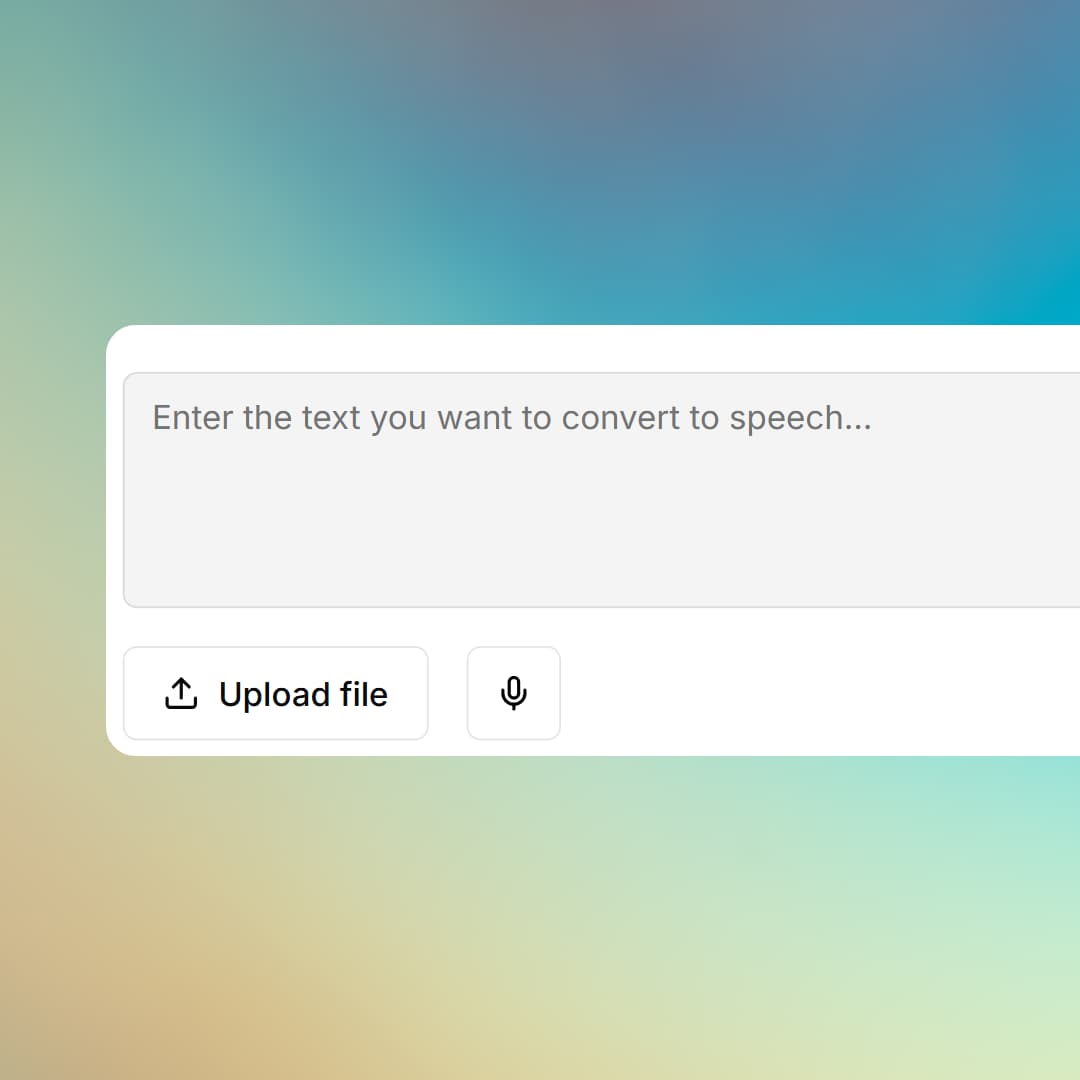
Text Input
Type, paste, or upload.
Enter the text you want to convert directly, or upload a text file.
Upload file
Record
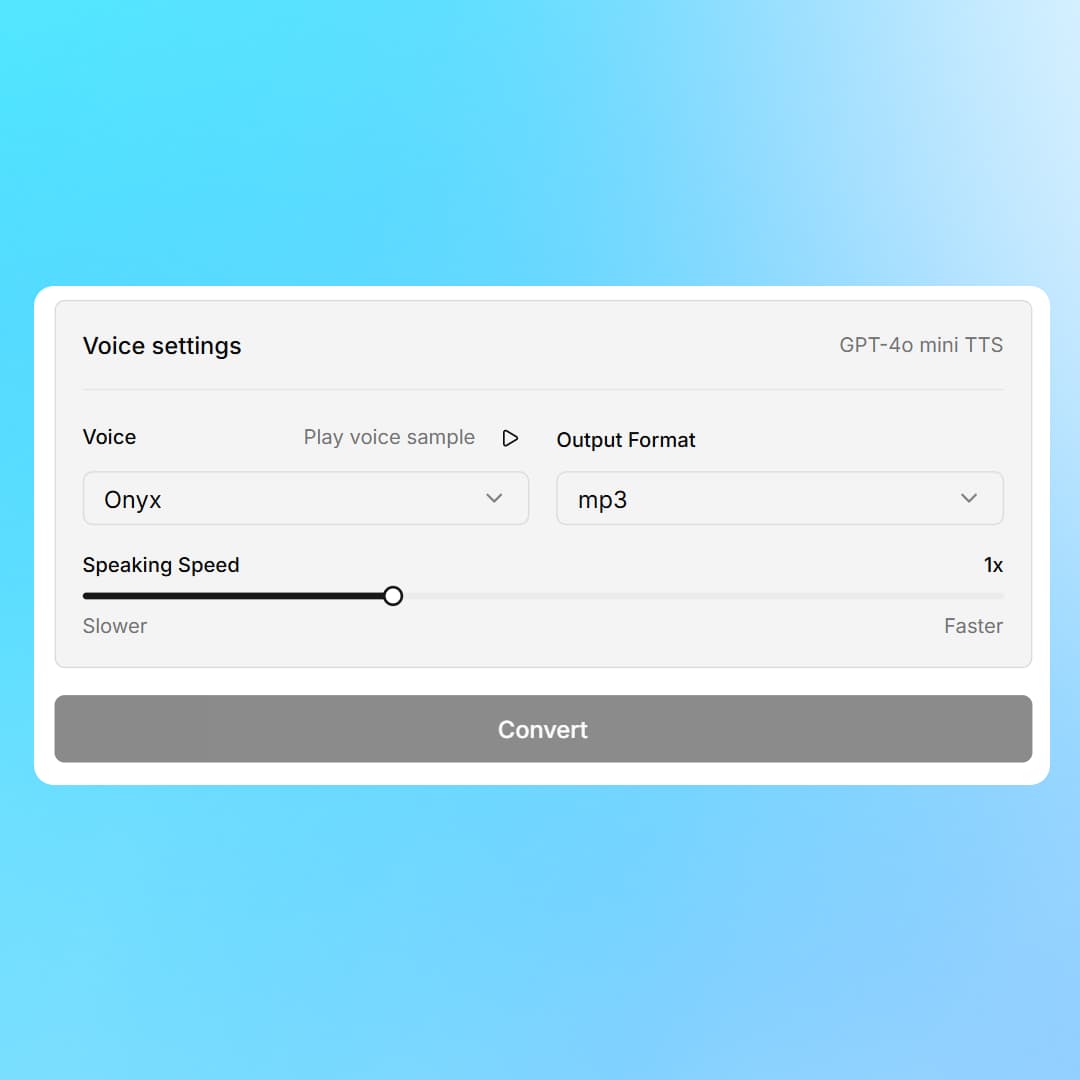
Voice & Output Settings
Choose your options.
Select from different voice options, control speed and output formats.
Output formats: MP3, WAV, and more
Speaking speed: Slower to Faster (1x default)
Play voice sample before converting
RESPONSE
Get output.
Your text is converted to speech and downloaded to your device.